The 5 Things AI Agents Can Do That Traditional Automation Simply Cannot
AI Agents vs Traditional Automation: The 5 Things Traditional Automation Simply Cannot Do
Businesses have automated repetitive tasks for decades.
From email autoresponders to CRM workflows and chatbot decision trees, traditional automation has saved companies countless hours.
But in 2026, automation alone is no longer enough.
The next evolution is AI Agents—systems that don't just execute instructions but can analyze situations, make decisions, learn from outcomes, and take action independently.
If you're wondering about AI agents vs automation, this guide explains the five biggest differences that every business owner should understand.
What Is Traditional Automation?
Traditional automation is based on predefined rules.
It works like this:
IF this happens → THEN do that.
Examples include:
Send a welcome email after form submission
Move a lead to another pipeline stage
Schedule appointments automatically
Trigger SMS reminders
Create invoices after payment
Traditional automation is excellent for predictable processes.
But once something unexpected happens...
...the workflow usually breaks.
What Are AI Agents?
AI agents go beyond rules.
Instead of waiting for instructions, they can:
Understand context
Analyze information
Make decisions
Adapt to new situations
Complete complex tasks
Think of automation as a calculator.
Think of an AI Agent as an intelligent employee.
Instead of asking,
"What rule should I follow?"
An AI Agent asks,
"What is the best action to achieve the goal?"

AI Agents vs Automation: The Biggest Difference
Traditional automation follows workflows.
AI Agents pursue outcomes.
For example:
Traditional Automation:
Customer asks about pricing.
↓
Send Pricing PDF.
↓
End.
AI Agent:
Customer asks pricing.
↓
Understands industry.
↓
Identifies customer size.
↓
Answers questions.
↓
Books meeting.
↓
Updates CRM.
↓
Creates follow-up tasks.
↓
Sends personalized proposal.
No predefined workflow is required for every possible scenario.
1. AI Agents Can Make Decisions
Traditional automation cannot think.
It simply follows rules.
AI Agents evaluate multiple possibilities before acting.
For example:
Customer says:
"I'm interested but not until September."
Traditional automation:
Send standard follow-up
AI Agent:
Detect buying intent
Schedule future outreach
Delay promotional emails
Add reminder for sales rep
Update CRM automatically
This makes interactions feel far more human.

2. AI Agents Learn From Conversations
Automation never improves itself.
Every new scenario requires a developer to update workflows.
AI Agents continuously improve through:
Conversation history
Customer behavior
Previous outcomes
Business data
CRM records
That means each interaction becomes smarter than the last.
3. AI Agents Handle Unexpected Situations
Traditional automation fails when something doesn't match predefined logic.
Example:
Customer asks:
"Can I combine two services with a custom payment plan?"
Automation:
❌ No matching rule.
Conversation ends.
AI Agent:
Understands request
Searches internal knowledge
Calculates options
Creates personalized recommendation
Escalates if needed
That's a completely different level of customer experience.
4. AI Agents Work Across Multiple Systems
Traditional automation usually connects systems one step at a time.
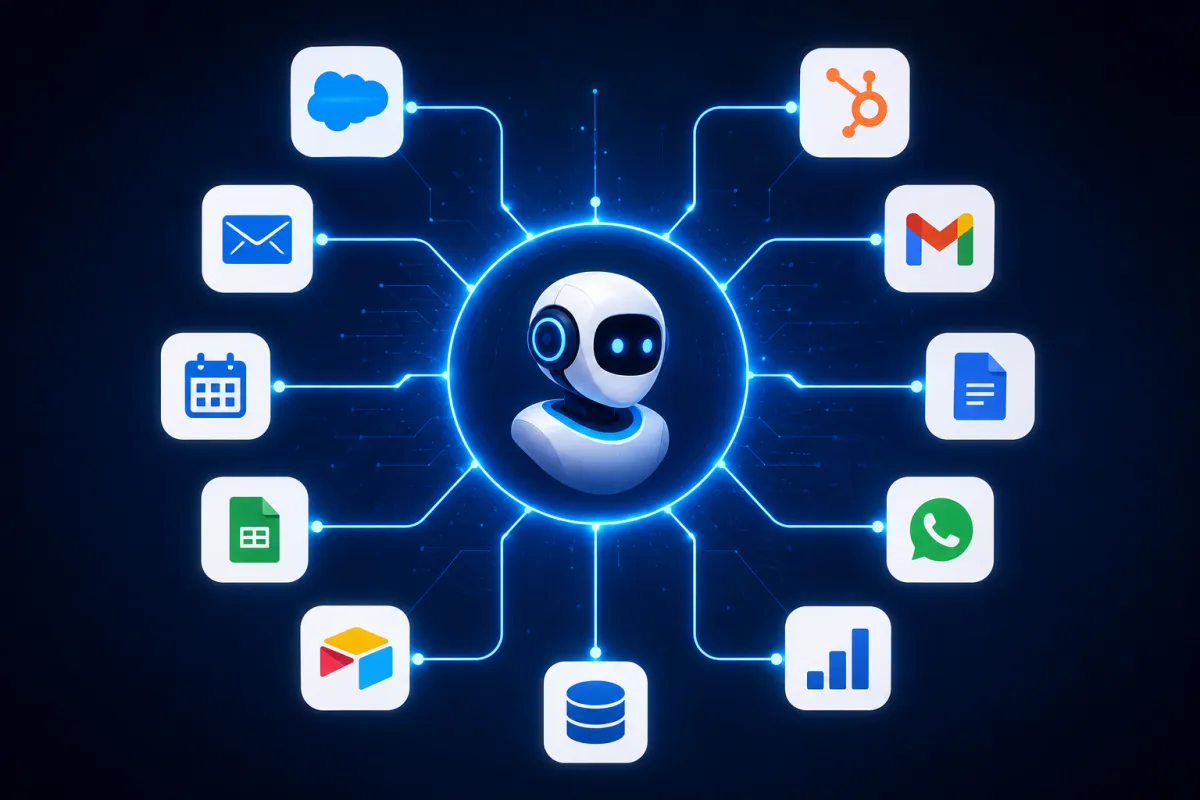
AI Agents can coordinate multiple platforms simultaneously.
For example:
A single customer inquiry can trigger actions across:
CRM
Calendar
Email
SMS
Slack
Payment software
Help Desk
Knowledge Base
Without manually creating hundreds of workflow branches.
5. AI Agents Can Reason Toward Goals
This is the biggest difference.
Automation follows instructions.
AI Agents pursue objectives.
For example:
Goal:
Increase booked appointments.
Automation can:
Send reminder
Send email
Send SMS
AI Agent can:
Analyze lead quality
Detect hesitation
Answer objections
Follow up automatically
Change messaging
Suggest better meeting times
Notify sales when needed
The Agent keeps working until the objective is achieved.
AI Agents vs Automation Comparison
FeatureTraditional AutomationAI AgentsRule-Based✅❌Makes Decisions❌✅Understands Context❌✅Learns Over Time❌✅Handles Exceptions❌✅Multi-Step Reasoning❌✅Adapts Automatically❌✅Goal-Oriented❌✅
When Should Businesses Use Traditional Automation?
Traditional automation still works well for:
Appointment reminders
Invoice generation
Email sequences
Form notifications
Data synchronization
Basic CRM workflows
These are predictable tasks with clear rules.
When Should Businesses Use AI Agents?
AI Agents shine when work involves:
Sales conversations
Customer support
Lead qualification
Follow-up
Scheduling
Decision-making
Personalized recommendations
Workflow optimization
Business operations
Anywhere humans currently spend time making decisions, AI Agents can often help.
Final Thoughts
Traditional automation transformed businesses by eliminating repetitive tasks.
AI Agents represent the next leap forward.
Instead of simply following instructions, they think, adapt, and work toward business goals with minimal human input.
The future isn't about replacing automation—it's about enhancing it with intelligence.
Businesses that combine traditional automation with AI Agents will be better equipped to deliver exceptional customer experiences, increase operational efficiency, and scale faster in an increasingly competitive landscape.
Frequently Asked Questions
What is the main difference between AI agents and traditional automation?
Traditional automation follows predefined rules, while AI agents analyze context, make decisions, and adapt to changing situations.
Can AI agents replace automation?
Not entirely. AI agents work best alongside automation, adding intelligence and decision-making to existing workflows.
Are AI agents suitable for small businesses?
Yes. Modern AI agents are increasingly affordable and can help small businesses automate customer support, lead qualification, scheduling, and follow-up tasks.
Do AI agents require coding?
Many no-code platforms now allow businesses to deploy AI agents without writing code, making them accessible to non-technical users.
